Diode security and access
Diode Client modes
Settings → Diode Client controls how this Nexus reaches the Diode Network.
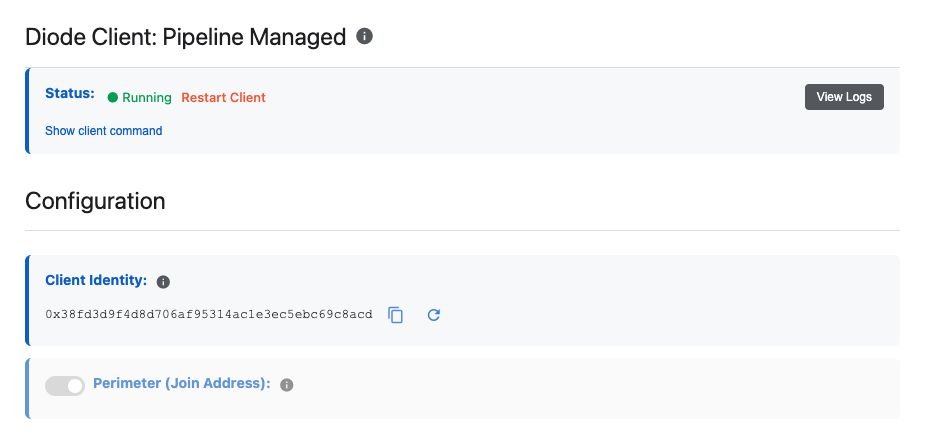
- Perimeter Managed — join a ZTNA perimeter (provision at ztna.diode.io); Discover LLMs, tools, and insights. This setting allows your IT team to manage access control lists and policies, and ensure your workspace is equipped with the right base infrastructure. When using Perimeter Managed mode, Auto Discovery for LLMs, Tools, and Insights is available.
- Pipeline Managed — manual Diode address:port binds (common default for new tenants); status, restart, and logs for the managed client
Site mounting
See how the workspace web UI is published (public / protected / private style addresses depending on deployment).
Roles
Owner, Admin, and User control who can change Settings versus who can chat.