Tools and MCP
Settings → Tools is where you register MCP servers and toggle individual tools.
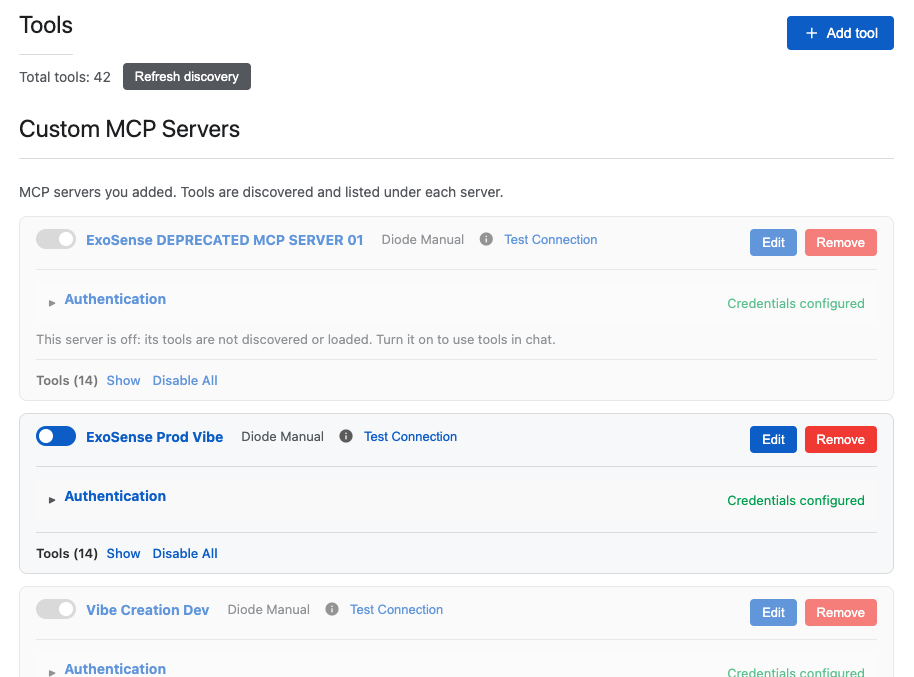
- Add an MCP server (+ Add tool)
- Configure authentication and Test Connection
- Enable / disable servers; refresh discovery
- Show or disable tools under each server
When tools are on, chat can call them mid-turn — see the tool count and Show Pipeline on the conversation bar.
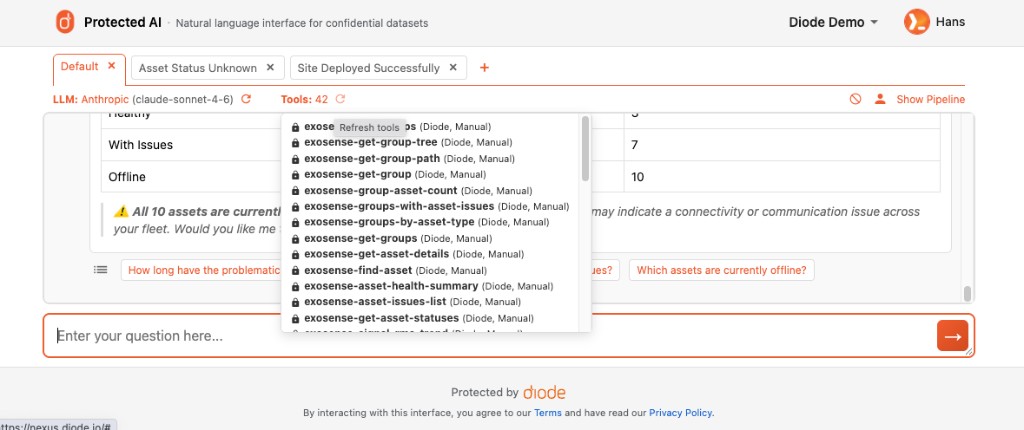
Tools ground answers in your real systems instead of the model’s training cut-off alone. Paired with Private AI models, they are how Nexus becomes an organizationally aware package — not a bare private endpoint. Tools can also declare an LLM scope so Nexus routes only to policy-allowed models for that invocation. In Perimeter Managed mode, Auto Discovery adds those MCP servers from the ZTNA perimeter instead of typing address:port.